
Portable Monitor Driver Downloads | Official Support Center
Download the latest portable monitor drivers for Windows, macOS, and Linux. Installing the correct portable monitor drivers ensures stable connectivity, smooth display performance, and proper functionality for your external display setup.
How to Install Portable Monitor Drivers
Download the latest portable monitor drivers for your specific model before starting the installation. Installing the correct portable monitor drivers ensures proper connectivity and smooth display performance. Run the installer and follow the on-screen instructions to complete the setup. After installation, restart your system so the drivers can apply correctly. For the best compatibility, ensure your operating system is updated to the latest version. If problems continue after installing the portable monitor drivers, contact support for further assistance.
Common Portable Monitor Drivers Issues
Sometimes, the driver may not install correctly. In such cases, check whether your USB port supports display output. Furthermore, ensure that your cable is not damaged. Otherwise, try reinstalling the driver using the latest version from this page.
Fast
Shipping
12 Months
Warranty
7 Day
Return
Available on Amazon India
24/7 Customer
Support
100+ Verified
Reviews
Excellent Rating 4.3/5
Most Popular
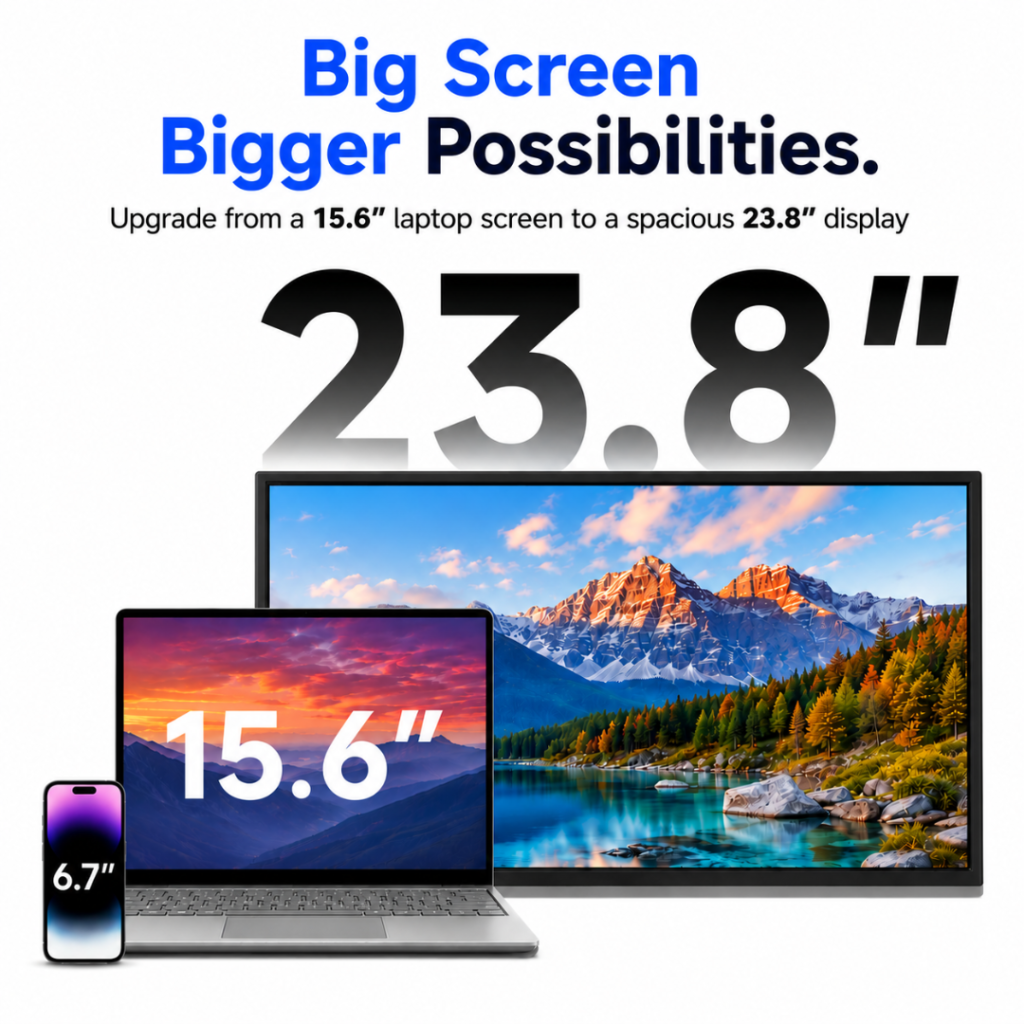
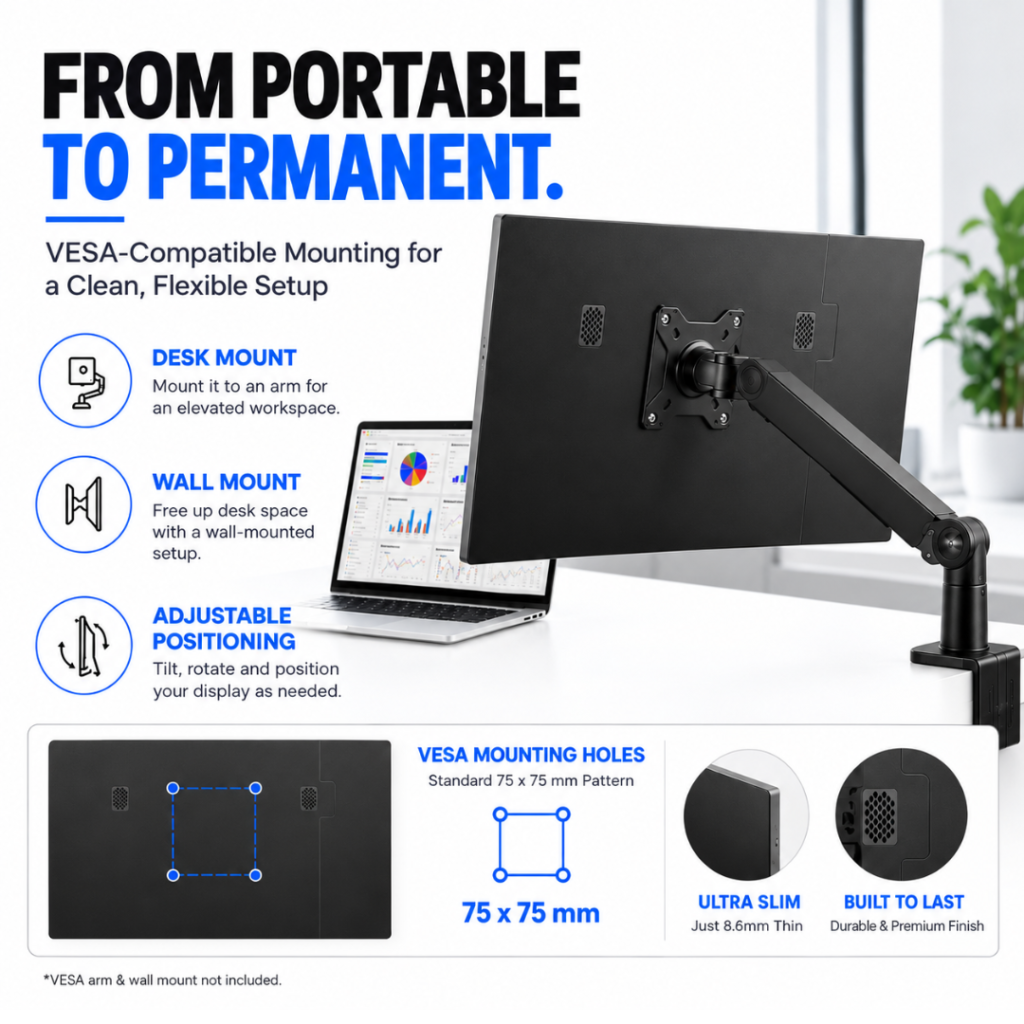
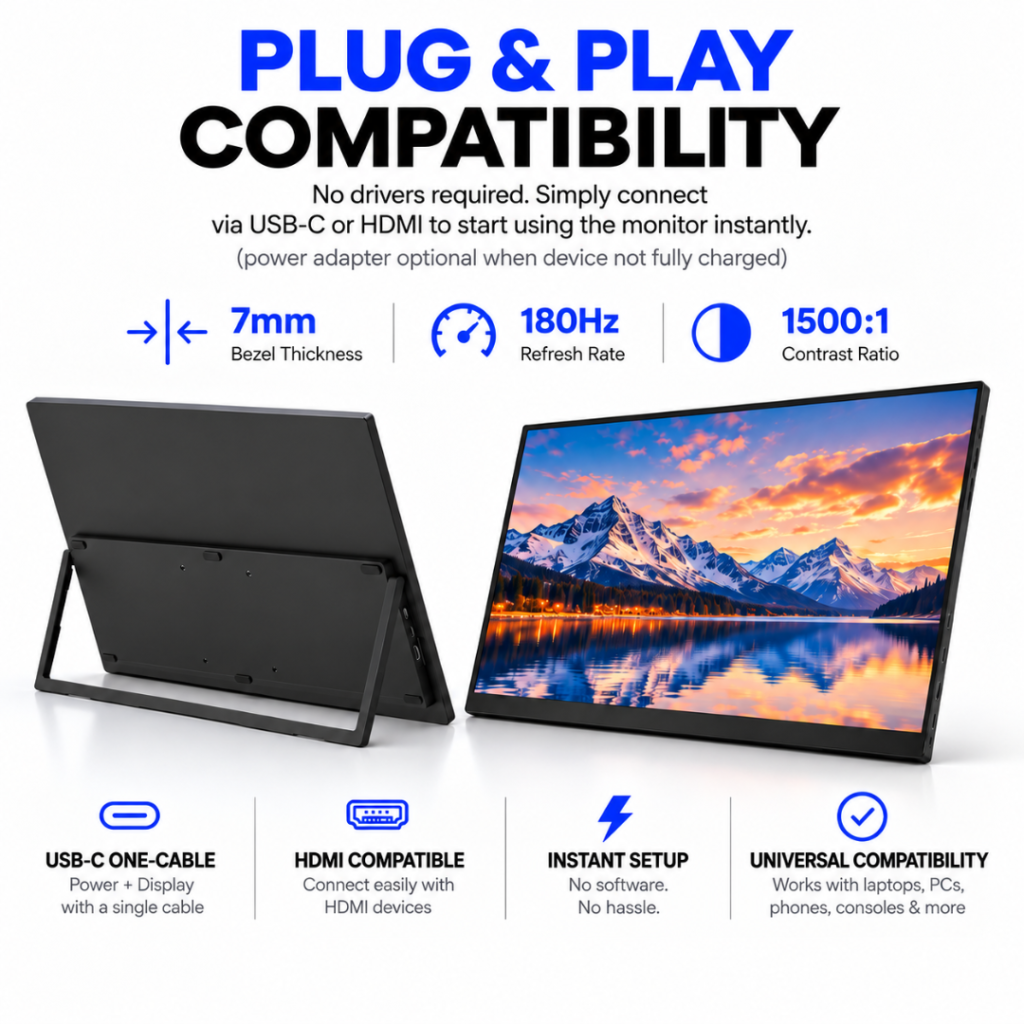
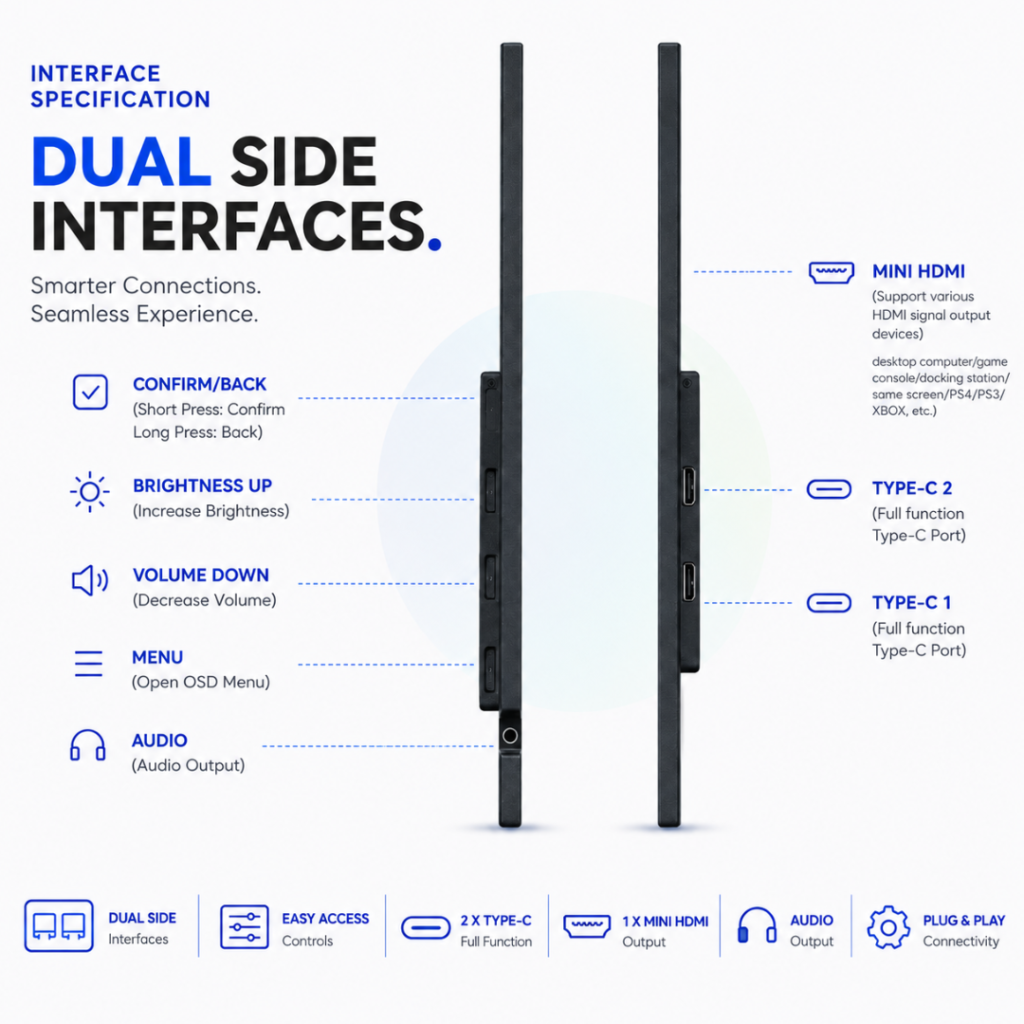
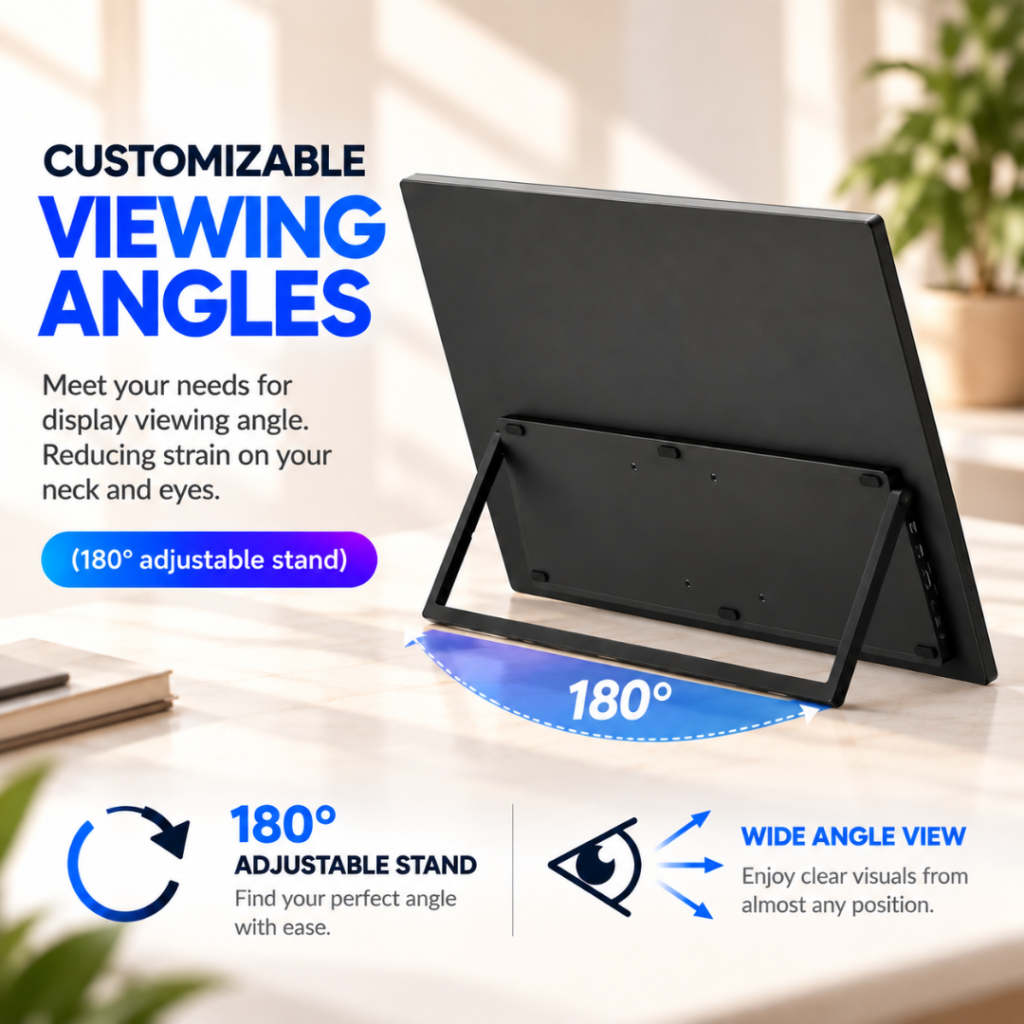
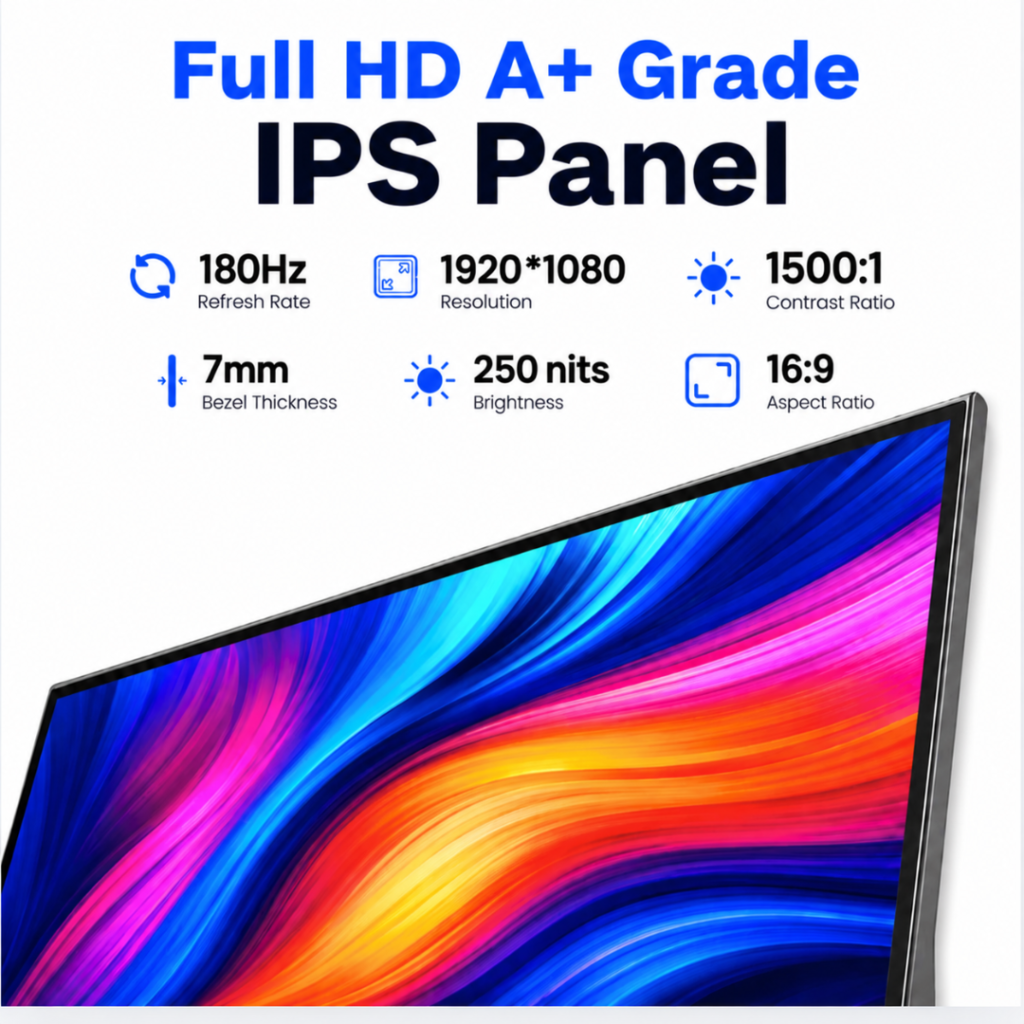
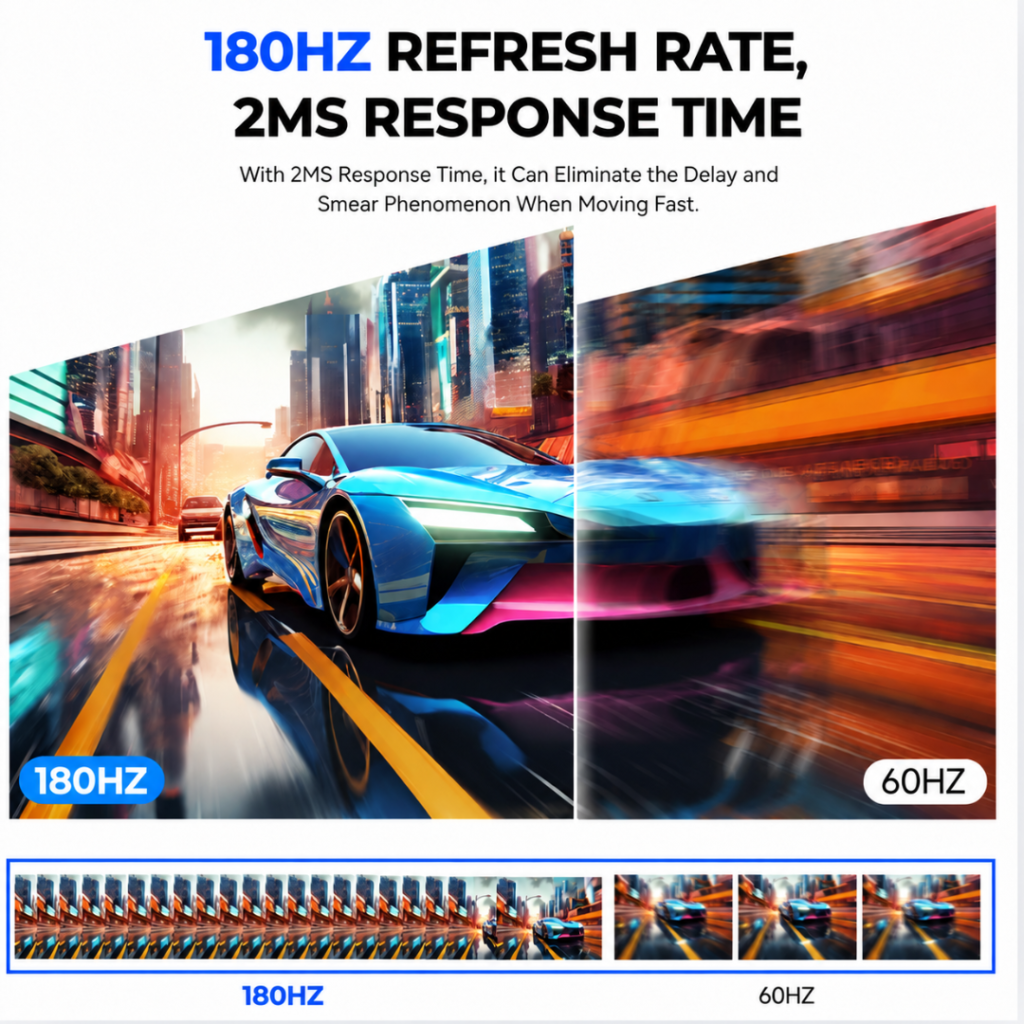
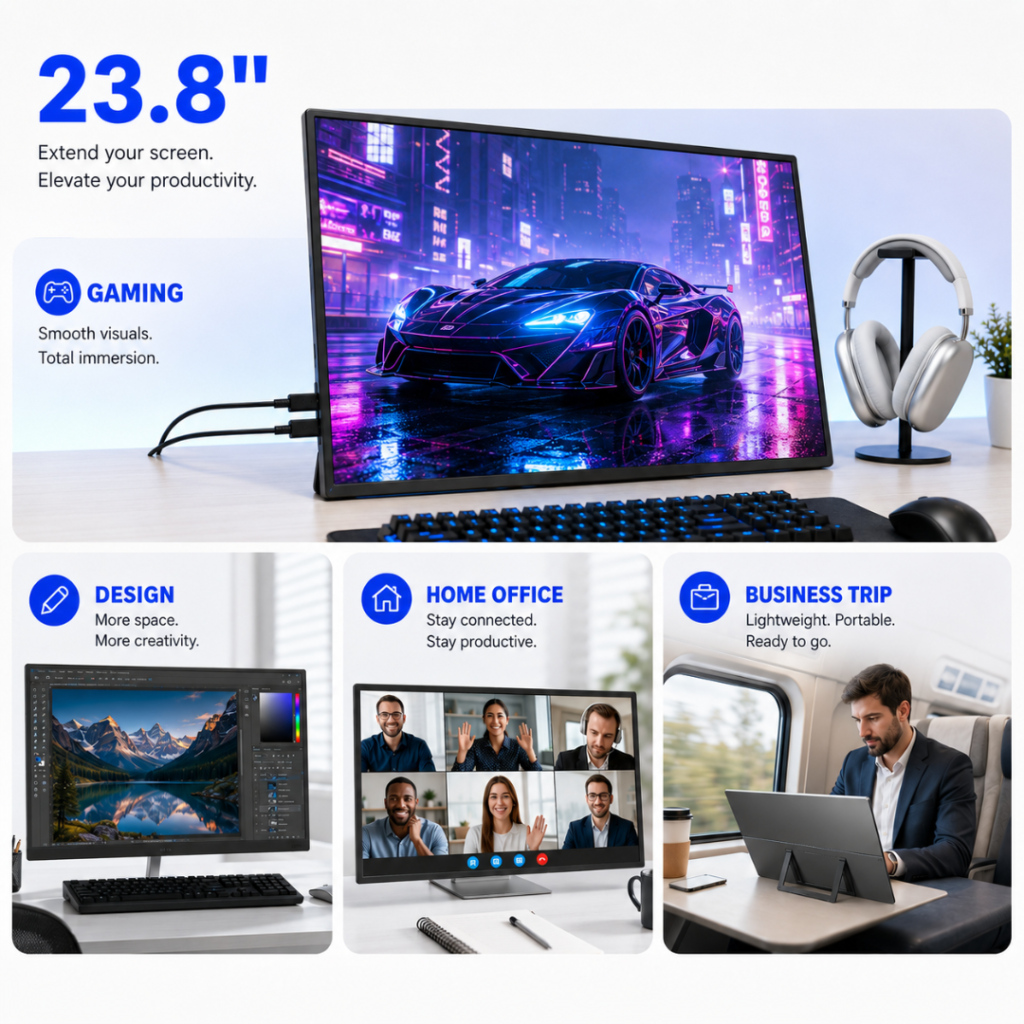
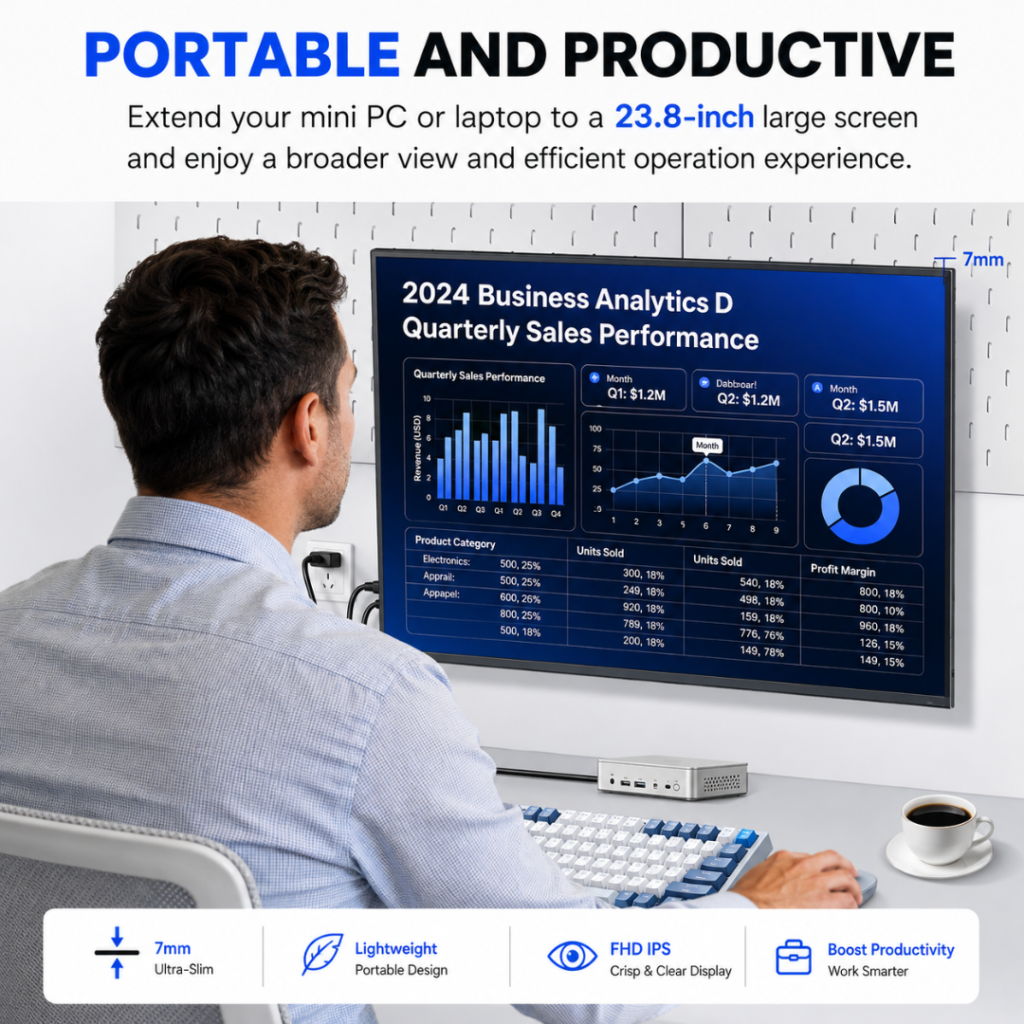
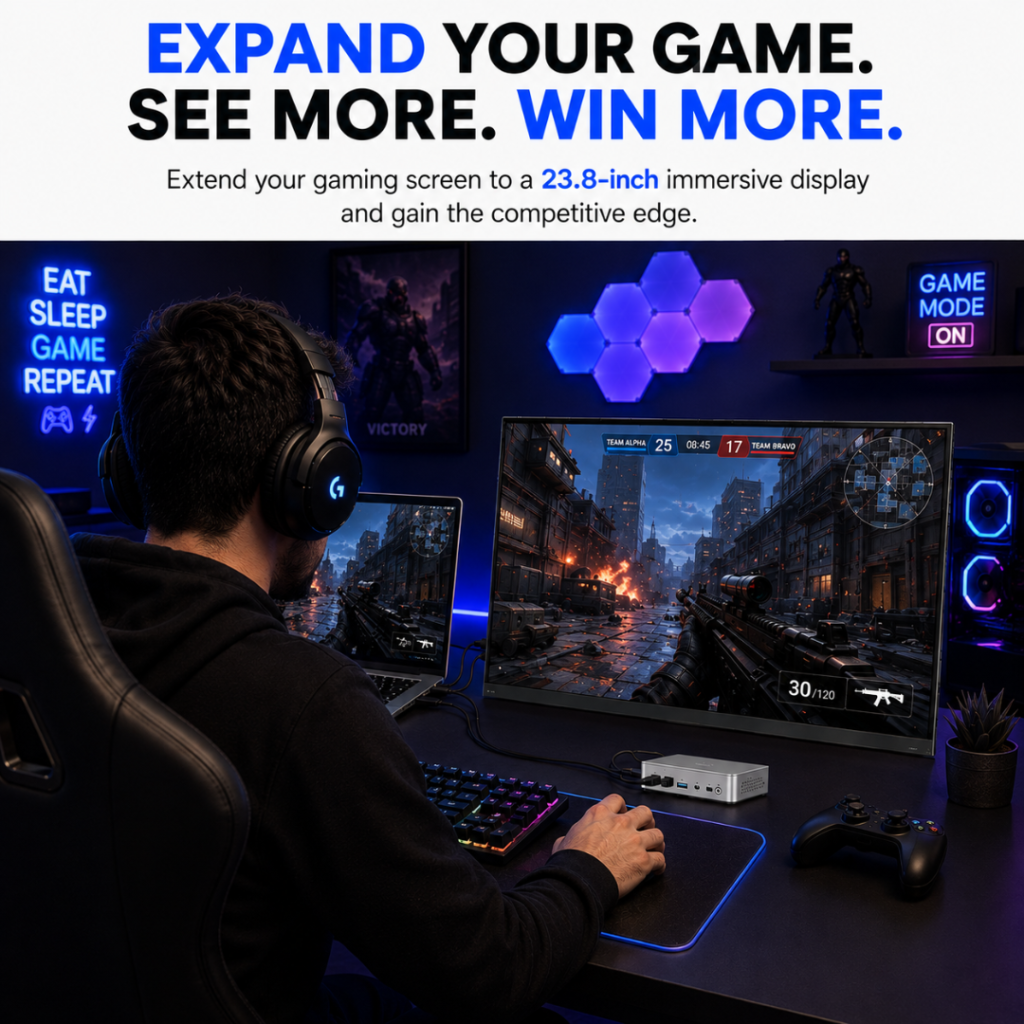
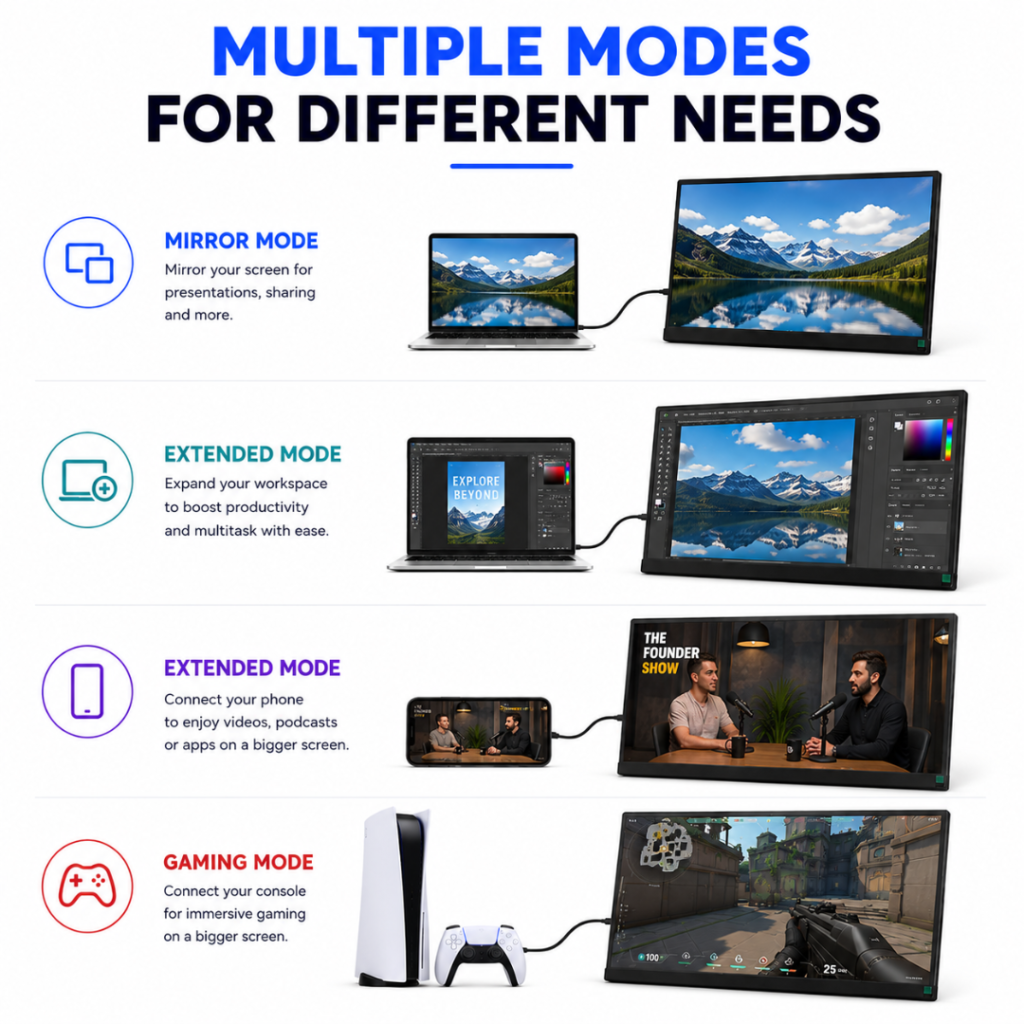
Xavion 23.8″ 2.5K QHD 180Hz Gaming Portable Monitor
₹25,999
Screen Size
23.8"
Resolution
2.5K QHD
Aspect Ratio
16:9
Weight
2.30kgs
Features
23.8-inch widescreen gaming monitor 180Hz refresh rate 16:9 aspect ratio 170° horizontal and vertical viewing angles 1000:1 typical contrast ratio 16.7 million colours HDMI and Type-C connectivity options
Connectivity
HDMI, USB-C
Sale
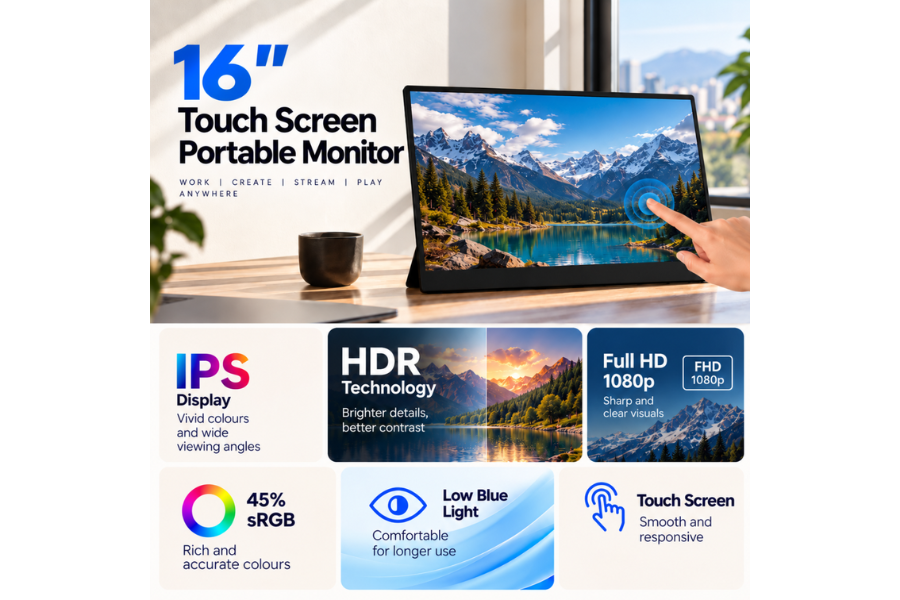

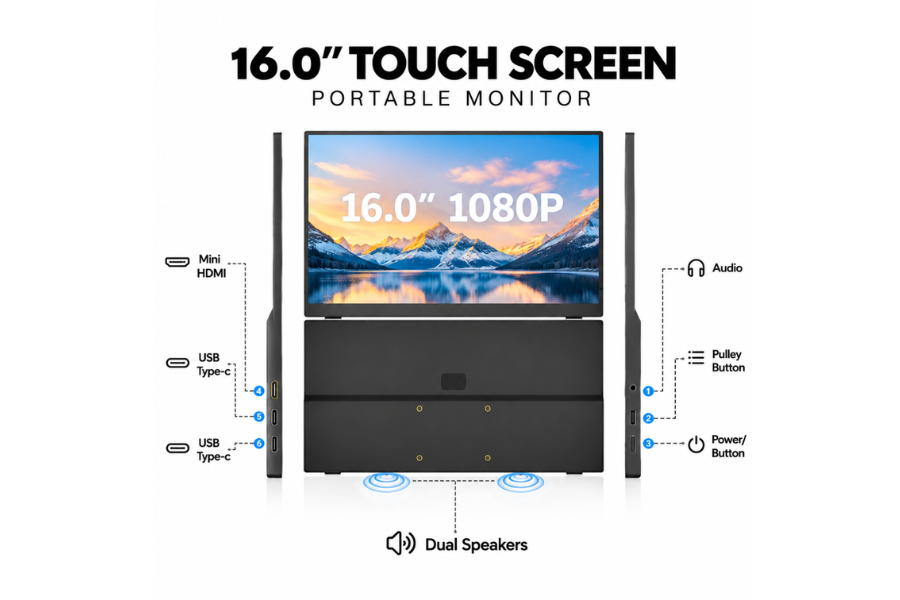
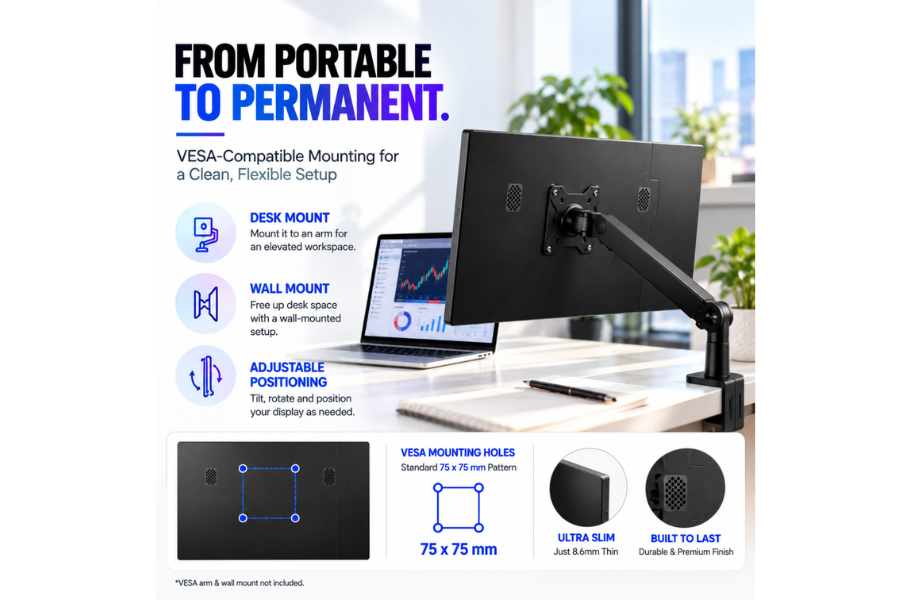
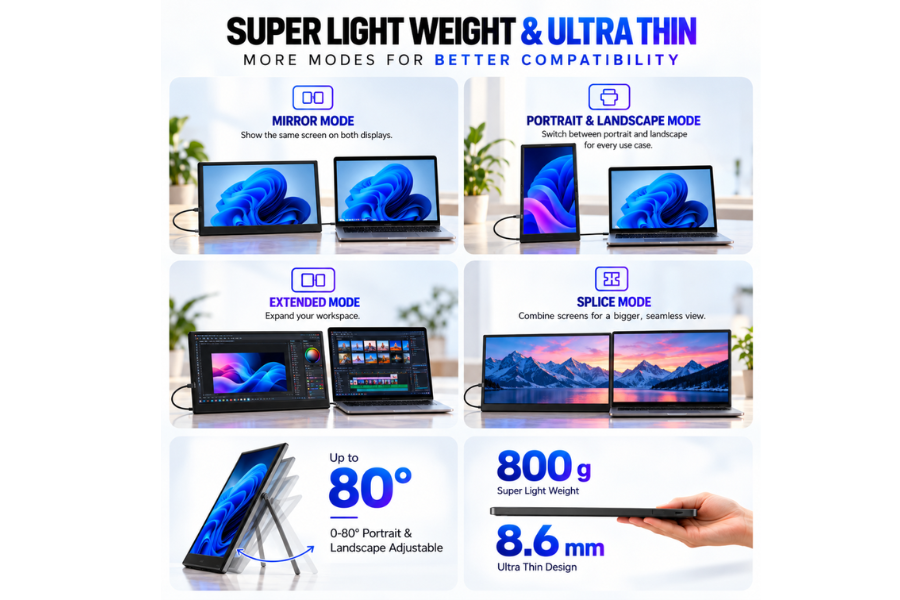
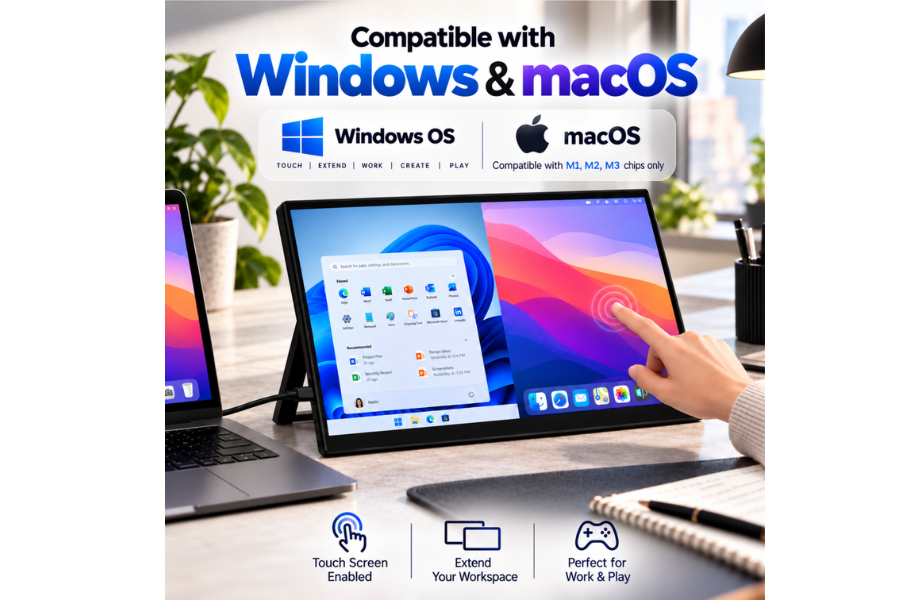
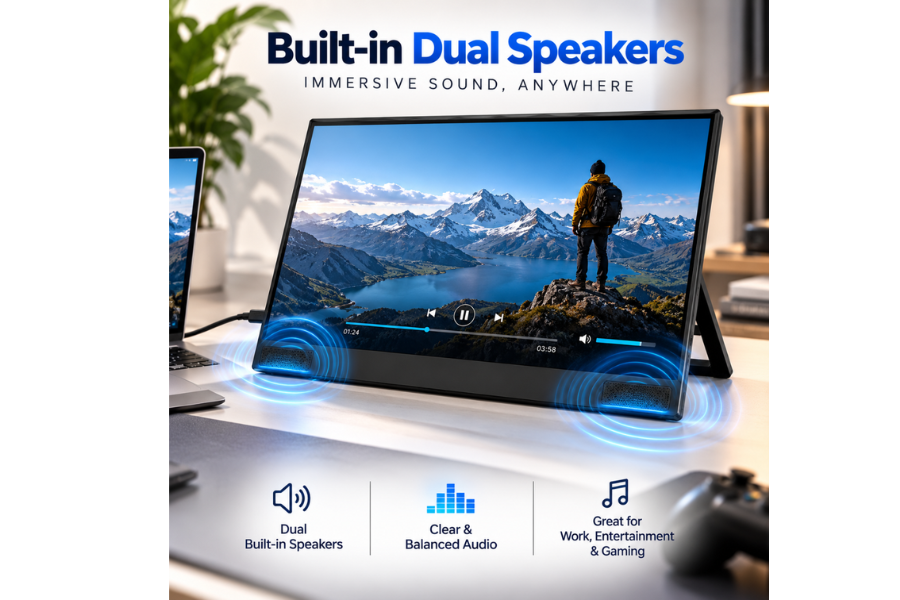
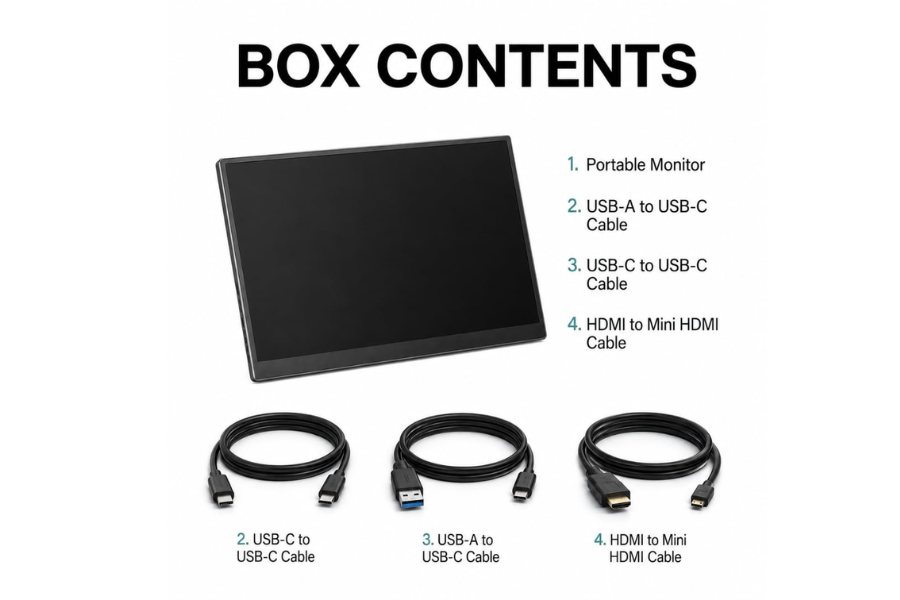
Xavion DuoView 16″ Touchscreen Portable Monitor for Laptop | Full HD IPS, 10-Point Touch
₹10,999
Screen Size
16"
Resolution
1920×1080 (FHD)
Aspect Ratio
16:9
Weight
800g
Features
Touch Screen Portable Monitor 10 Point Touch Enabled 170 degree viewing angle
Connectivity
USB Type-C, Mini HDMI, USB A
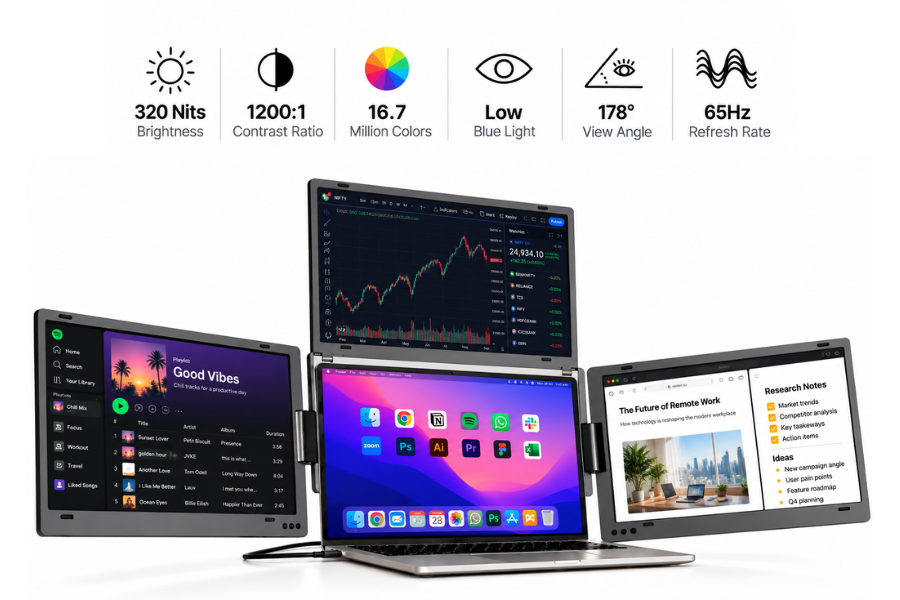
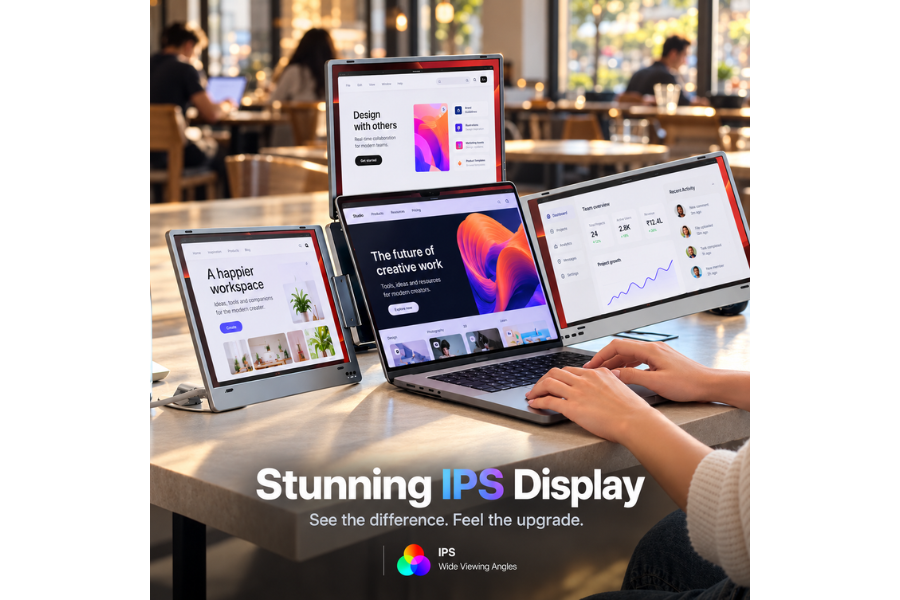
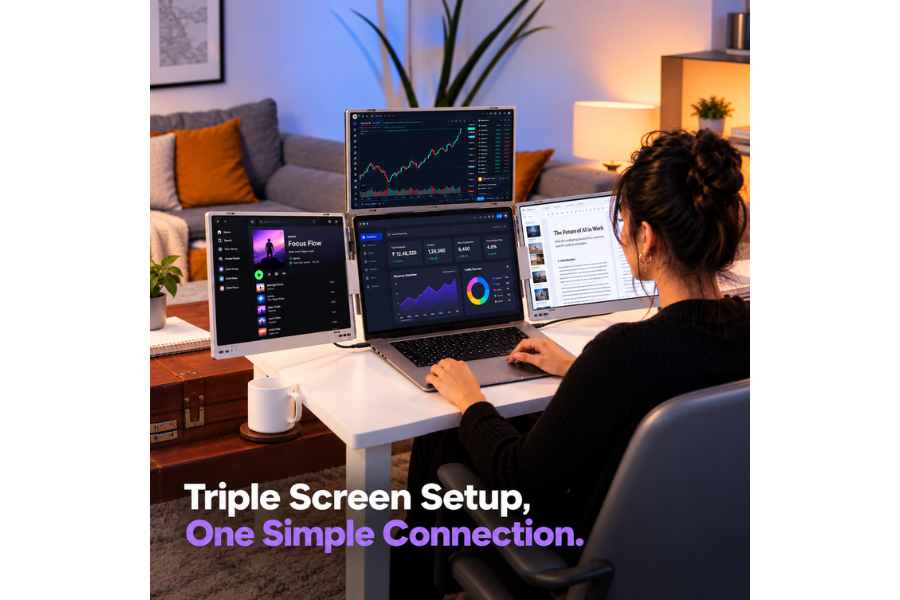
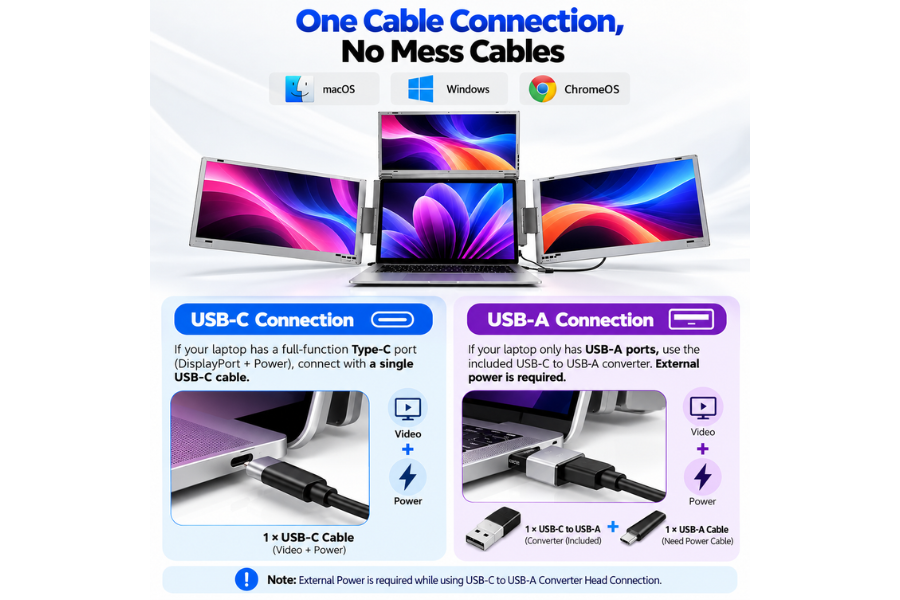
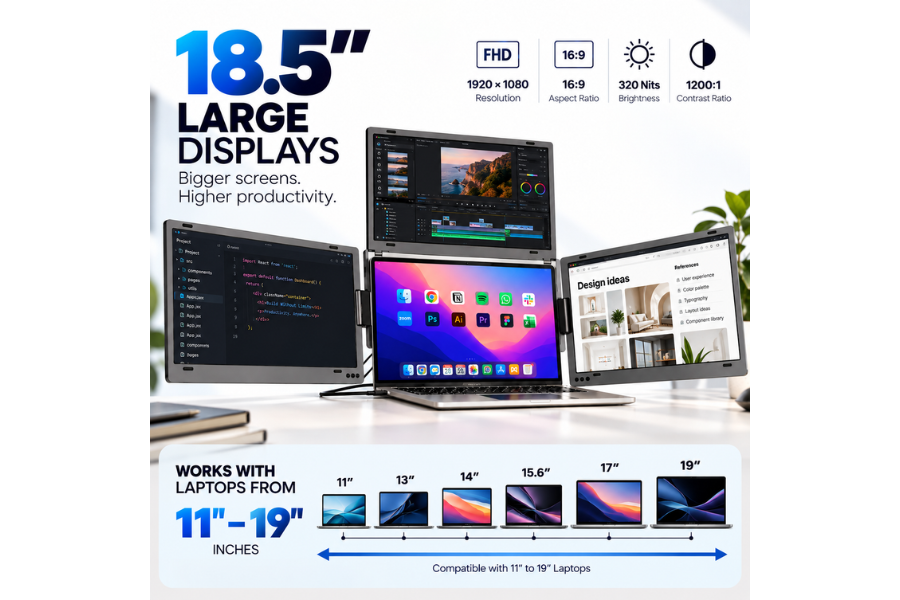
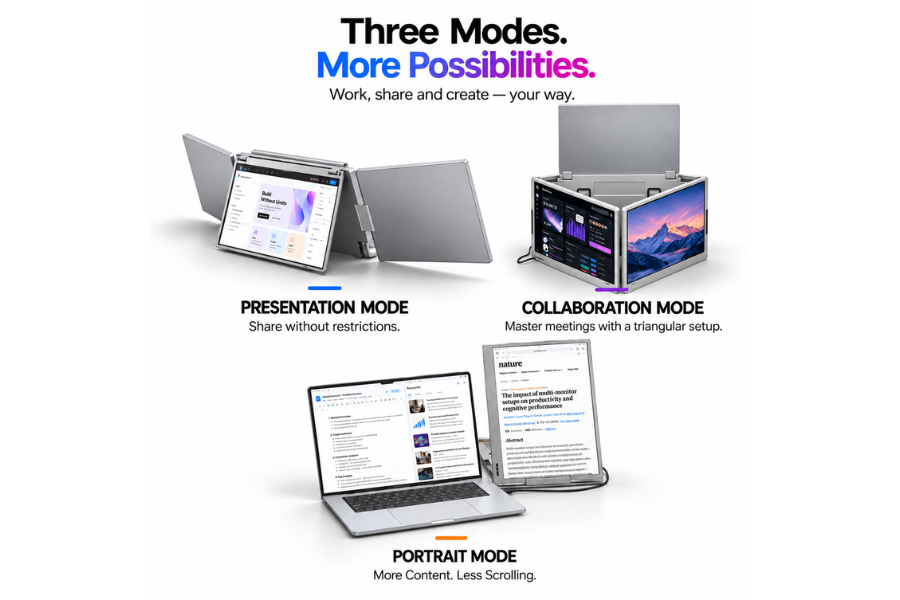

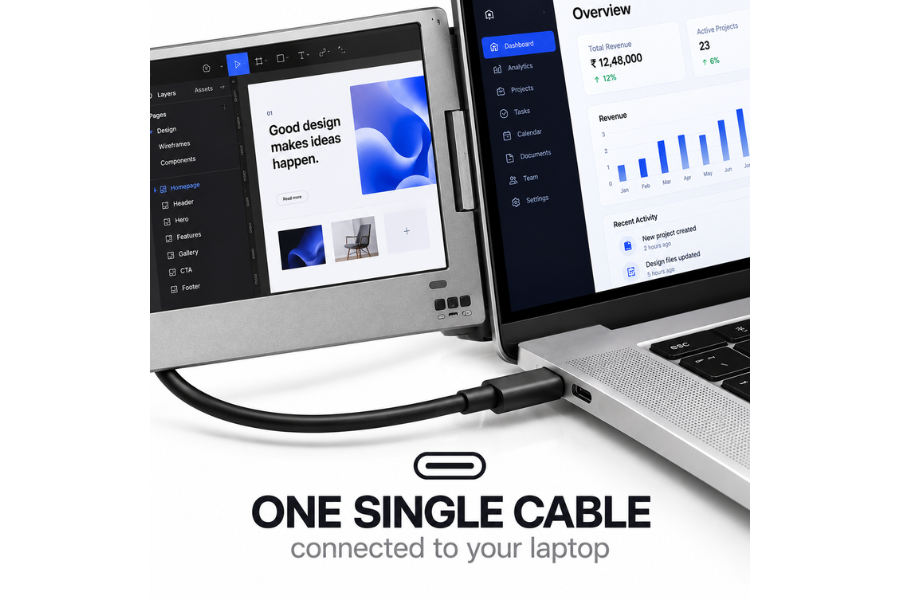
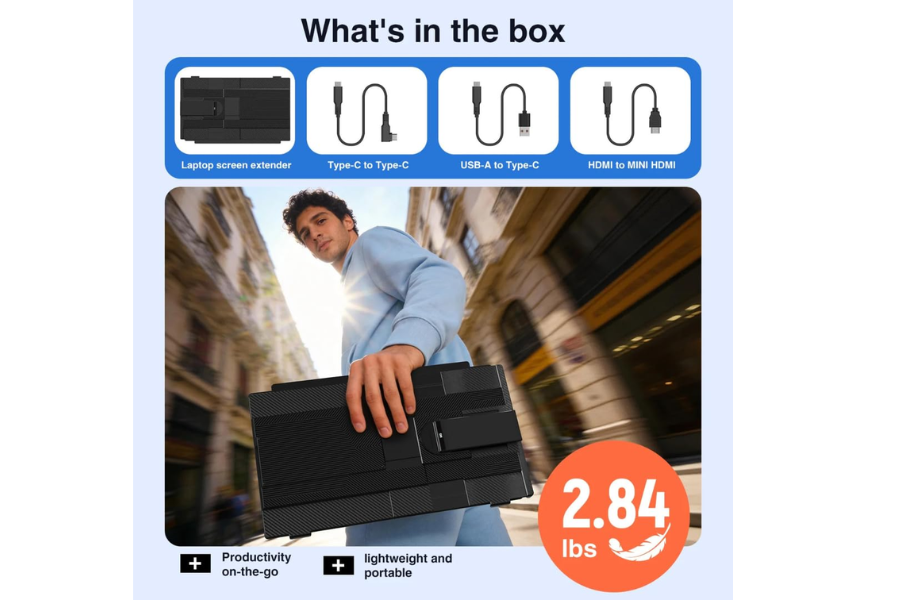
Xavion QuadView 18.5 UltraView Quad Monitor Laptop Screen Extender
₹57,999
Screen Size
18.5" x 3
Resolution
1920 x 1080 (FHD)
Aspect Ratio
16:9
Weight
2.9 kgs
Features
Foldable, Portable, Anti-glare
Connectivity
USB-C, USB-A
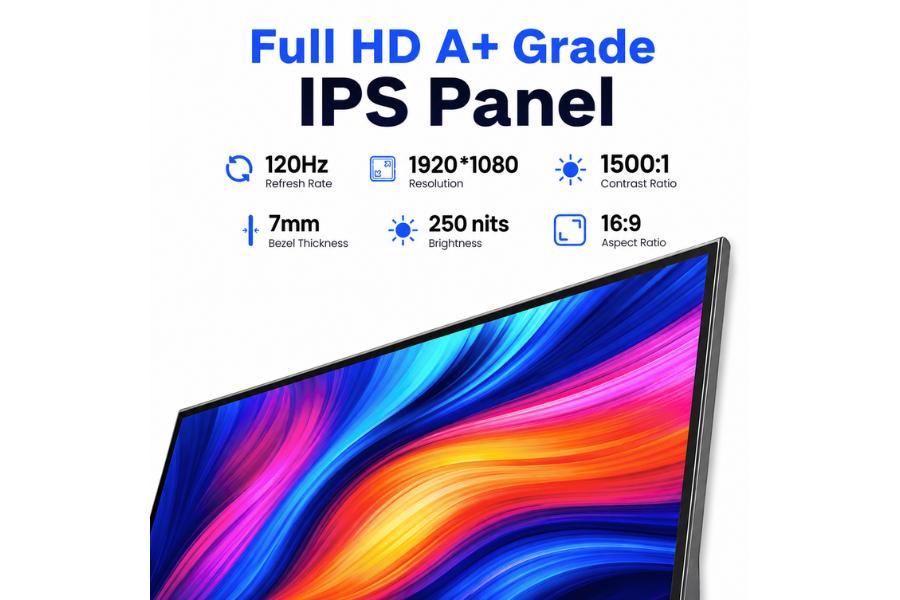
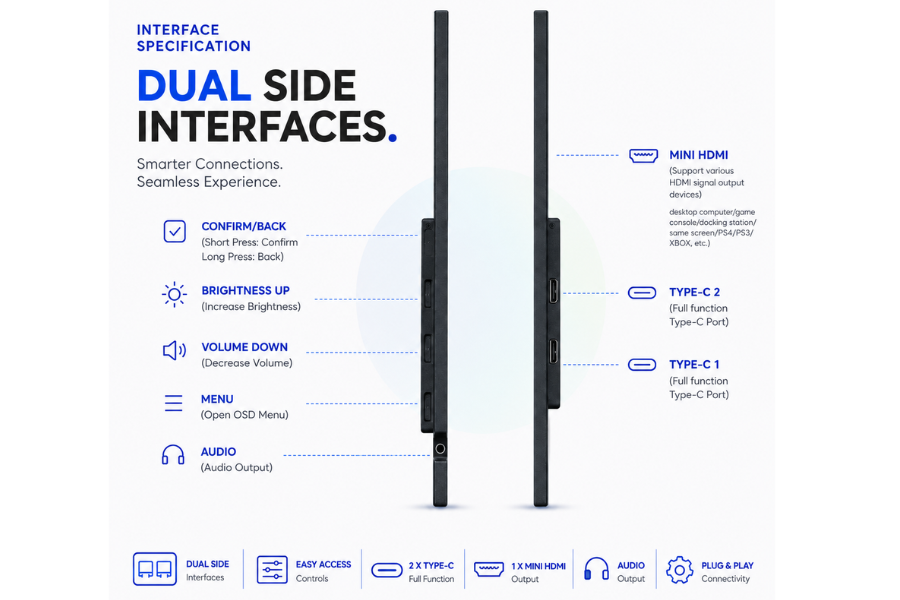
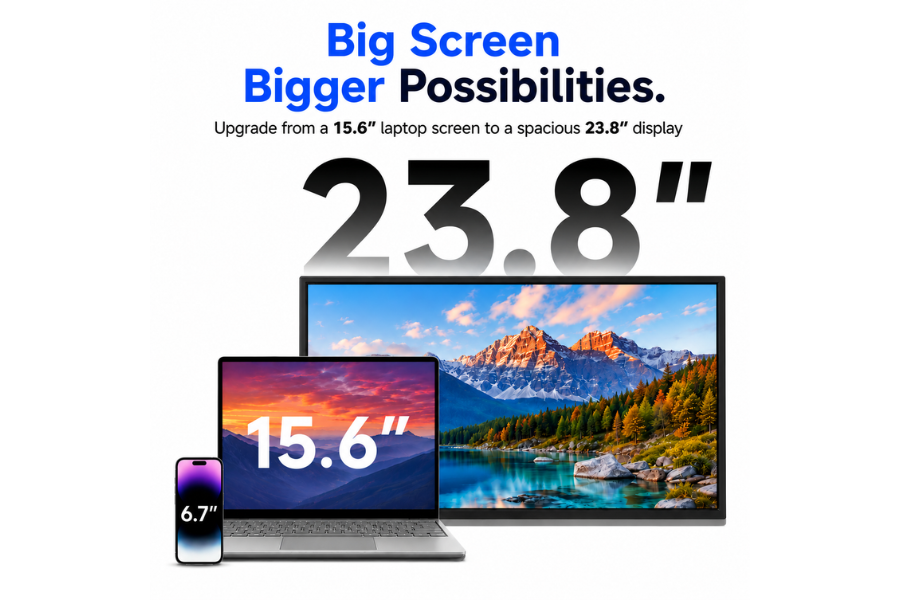
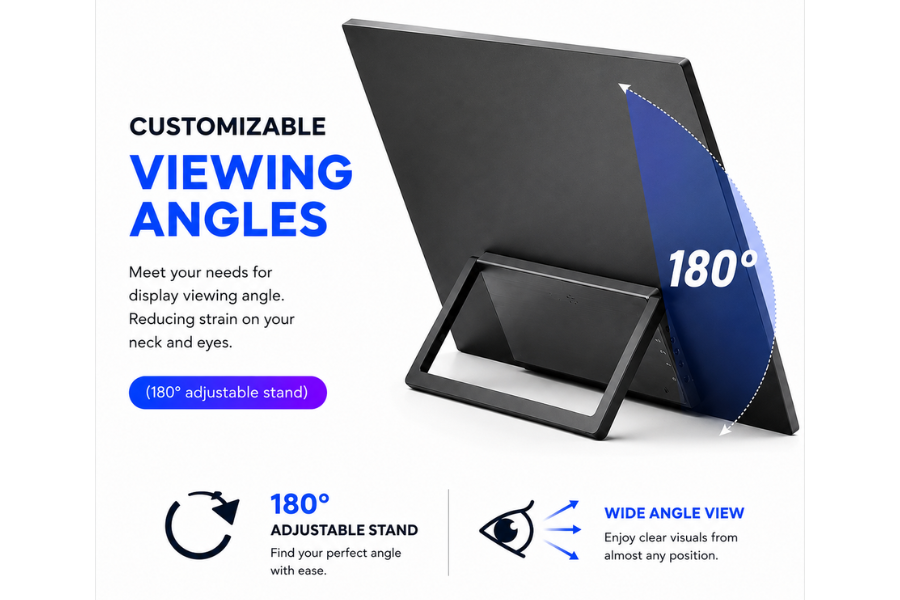
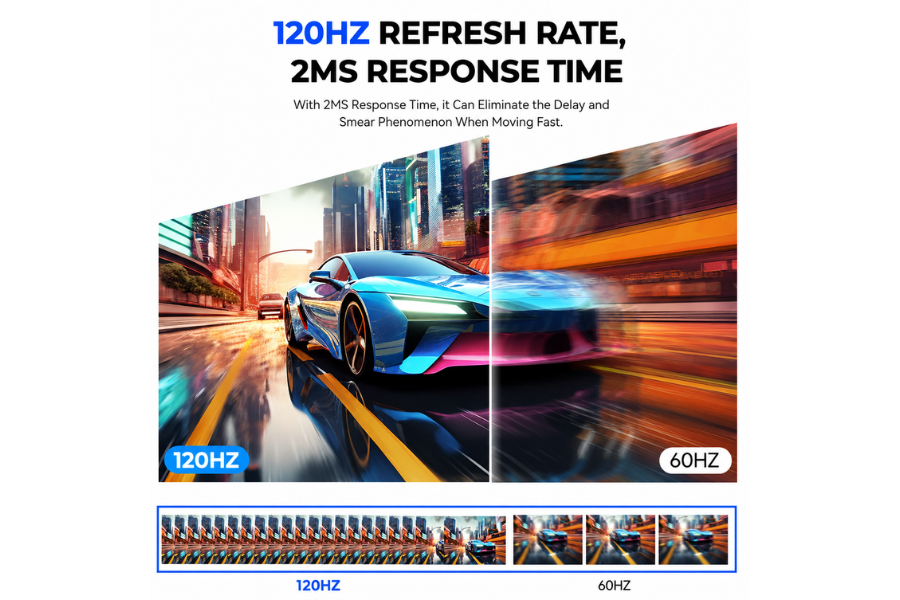
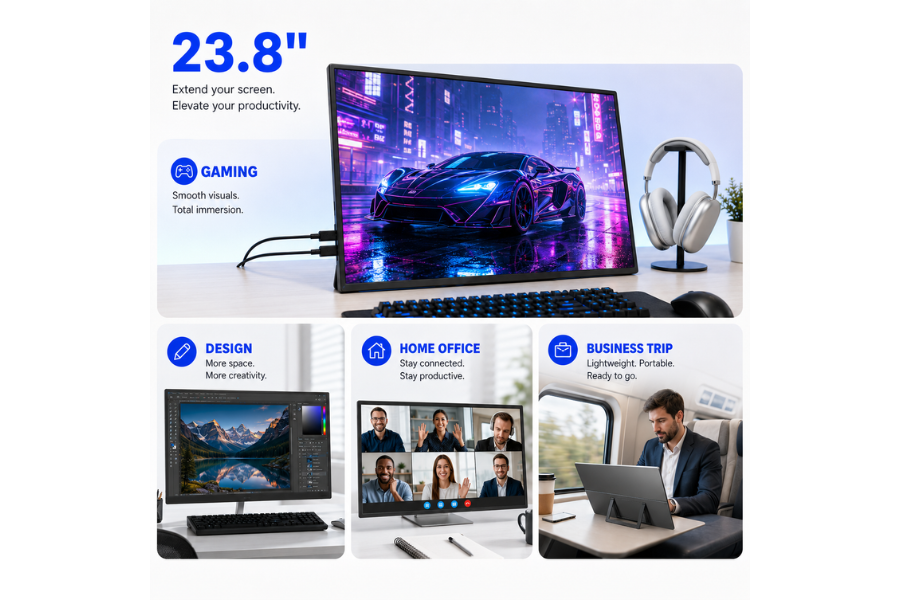
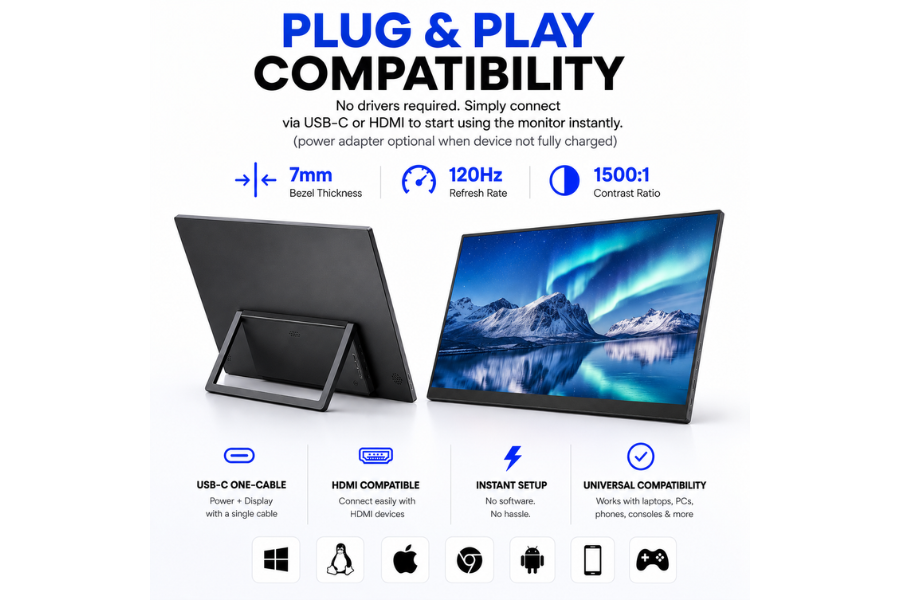
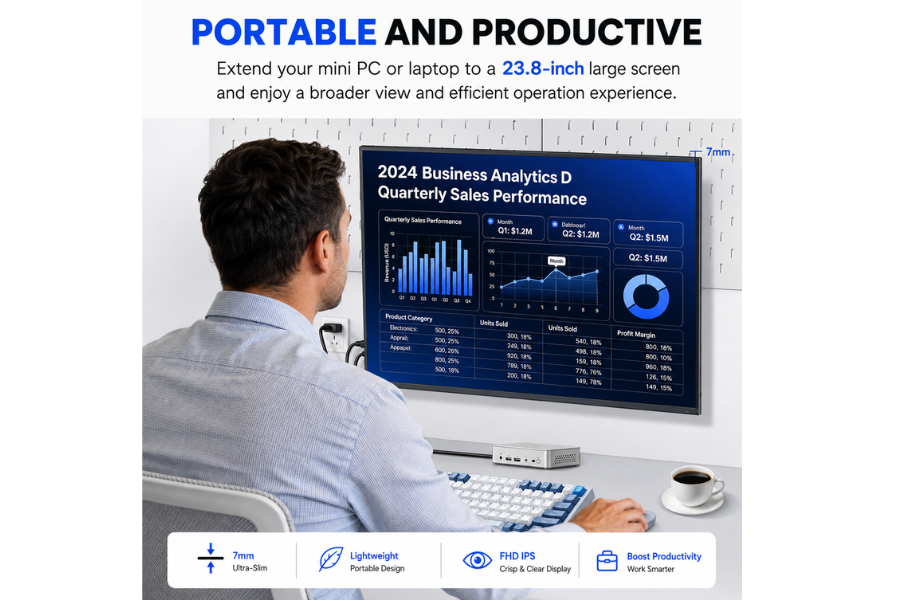
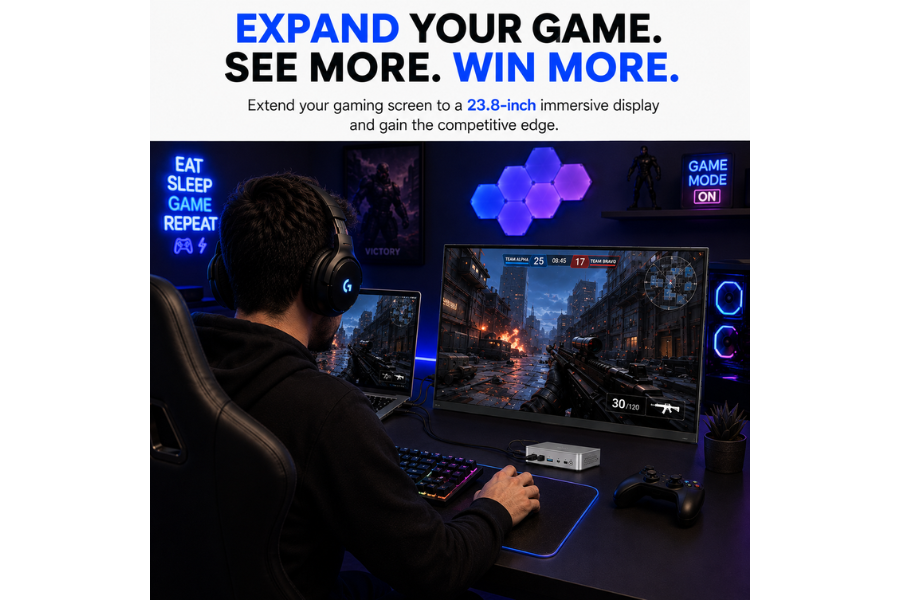
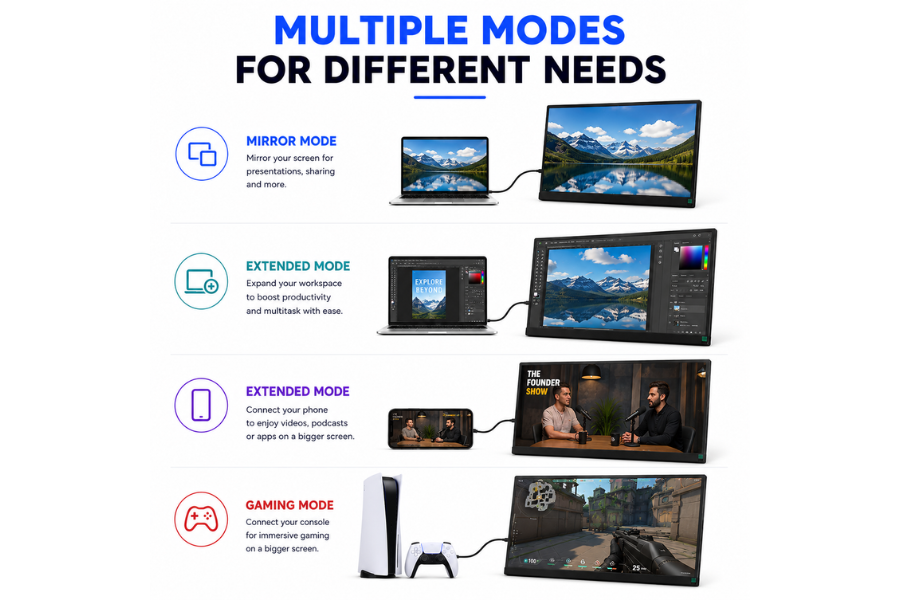
Xavion 23.8″ Gaming Portable Monitor 120Hz FHD
₹20,999
Screen Size
23.8"
Resolution
1920 × 1080 (FHD)
Refresh Rate
120 Hz
Weight
1.93 kg
Gaming Technology
AMD FreeSync
Connectivity
USB-C, HDMI
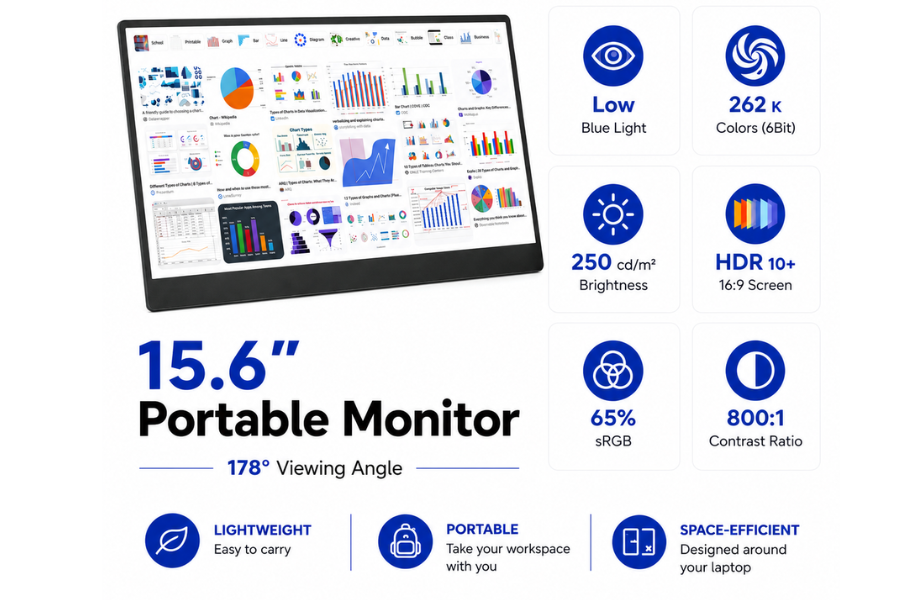

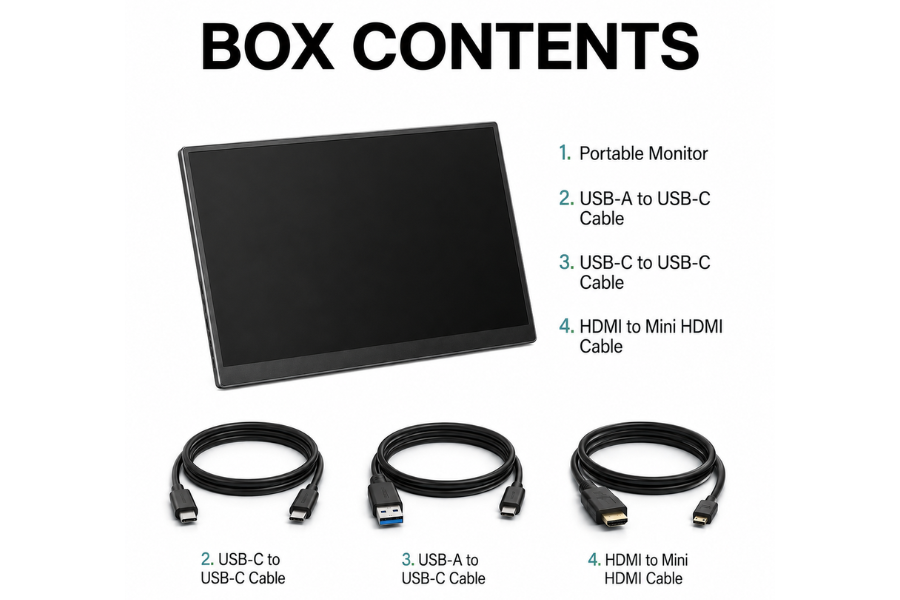
Xavion DuoView 15.6″ Ultralight Portable Monitor
₹6,499
Screen Size
15.6-inch Full HD IPS Display
Resolution
1920 × 1080 Full HD
Aspect Ratio
16:9
Weight
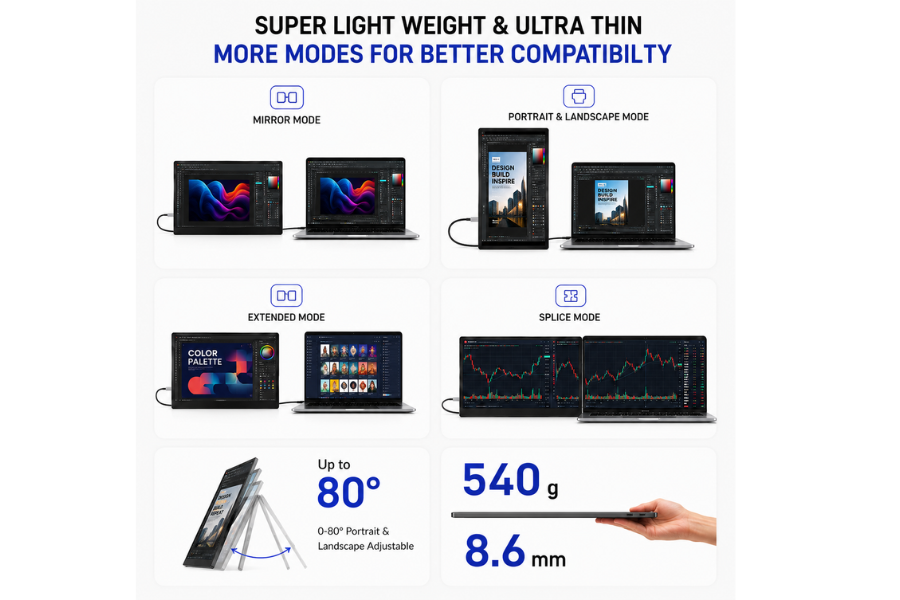
0.54 kgs
Features
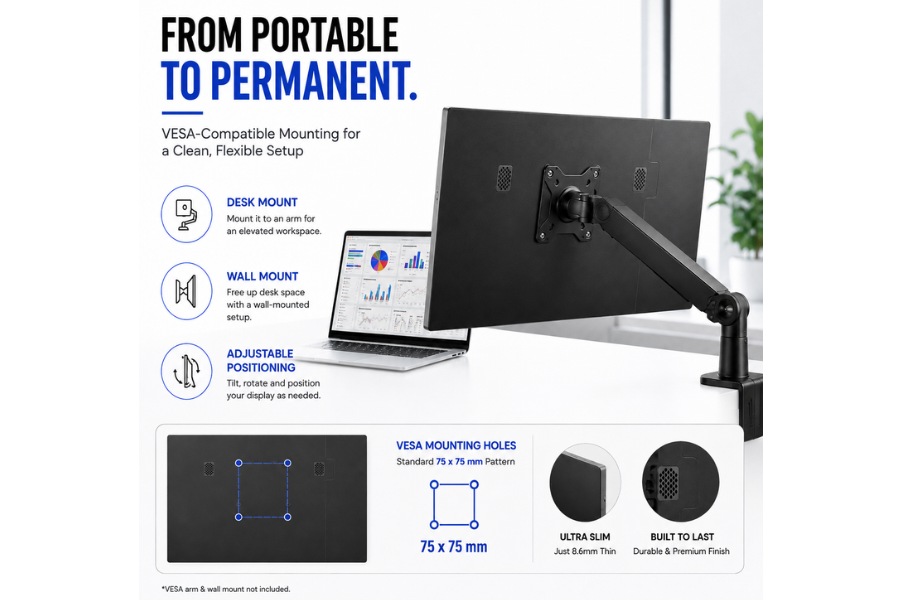
IPS Display, Built-in Speaker, Wall-Mountable Design, Ultra-Slim Portable Design
Connectivity
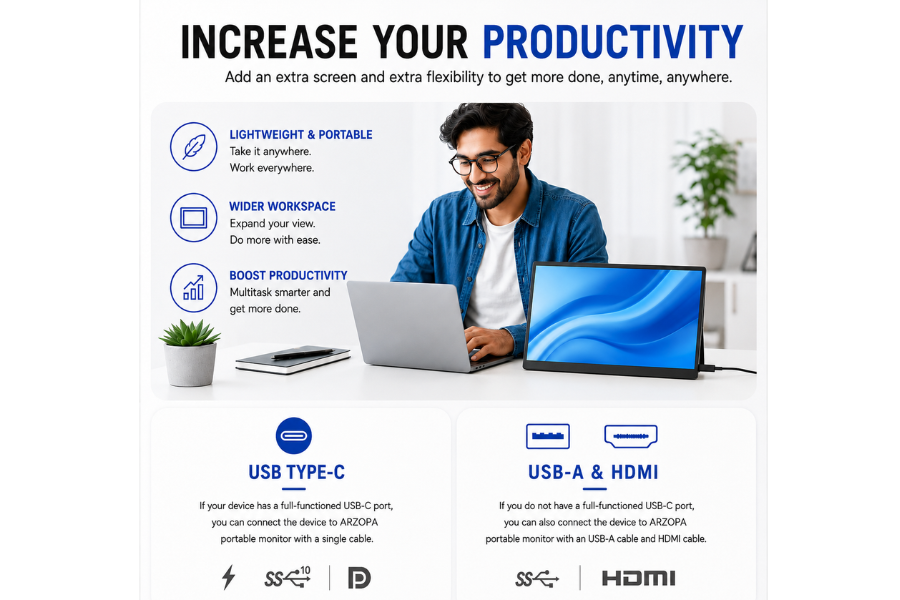
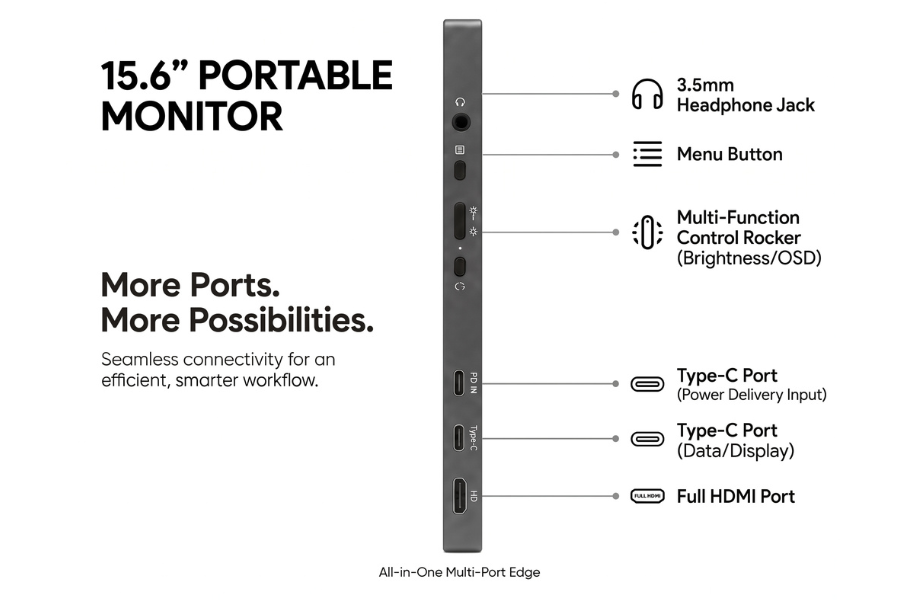
USB-C & Mini HDMI
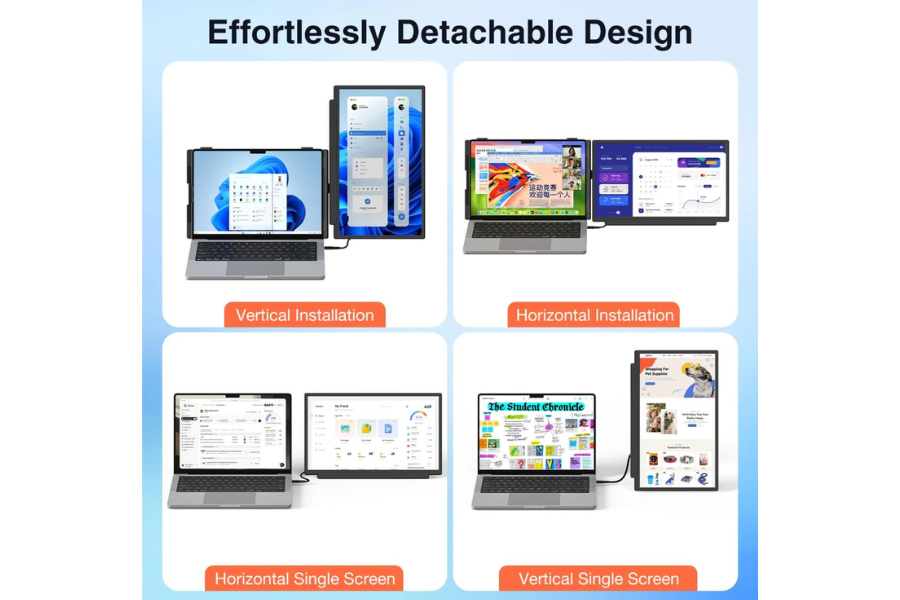
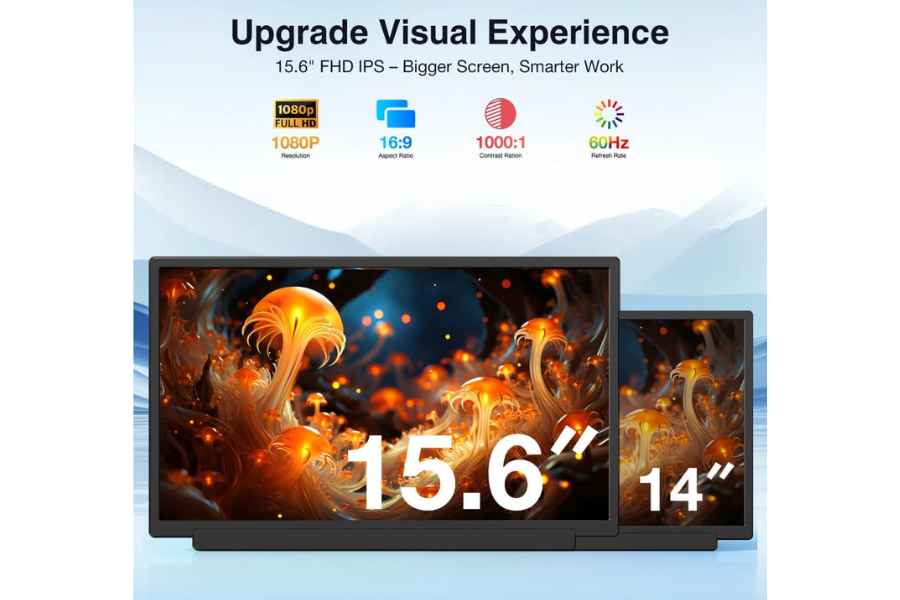
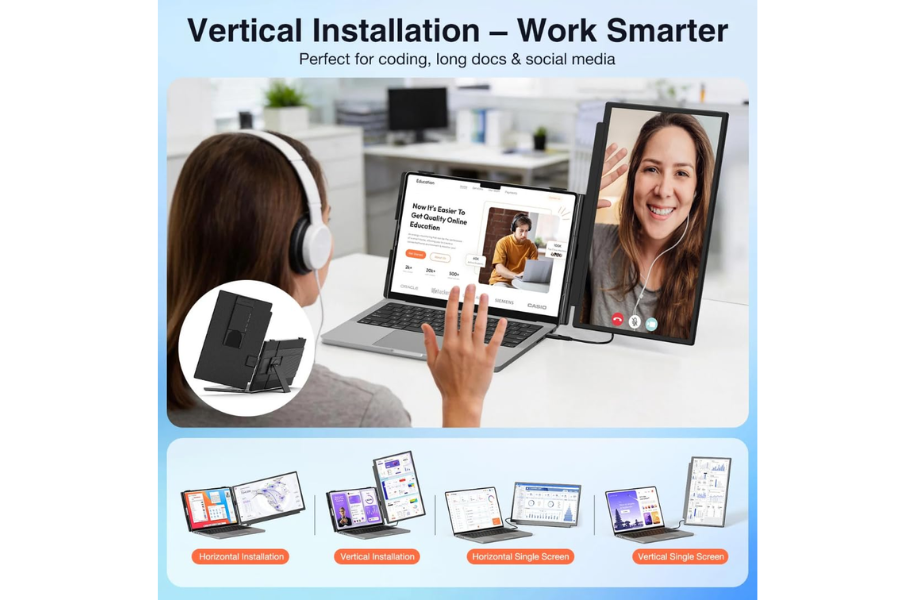
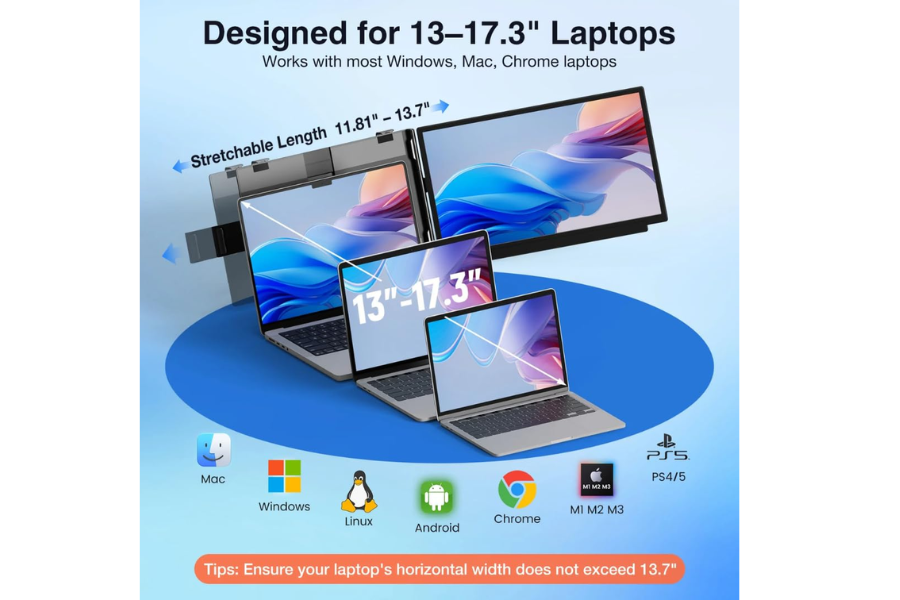
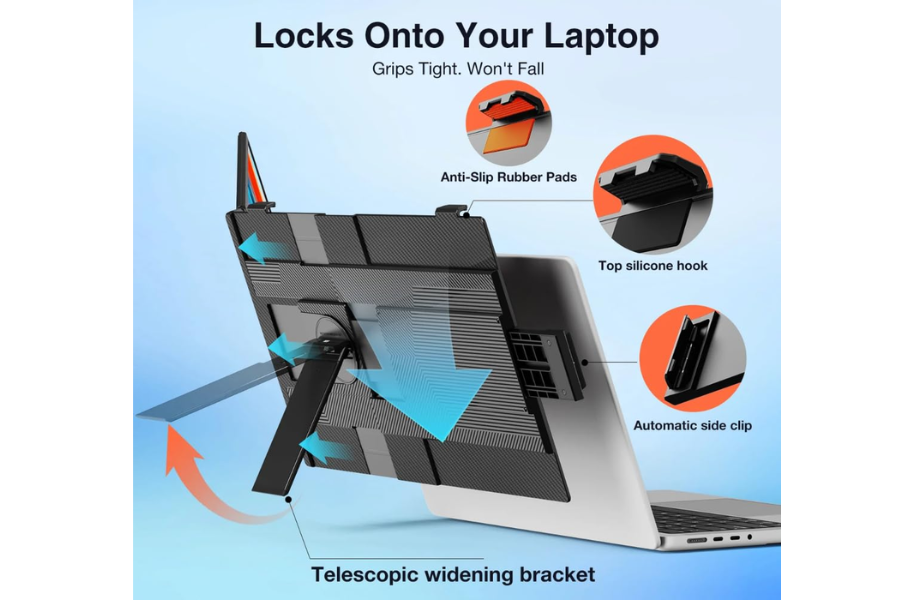
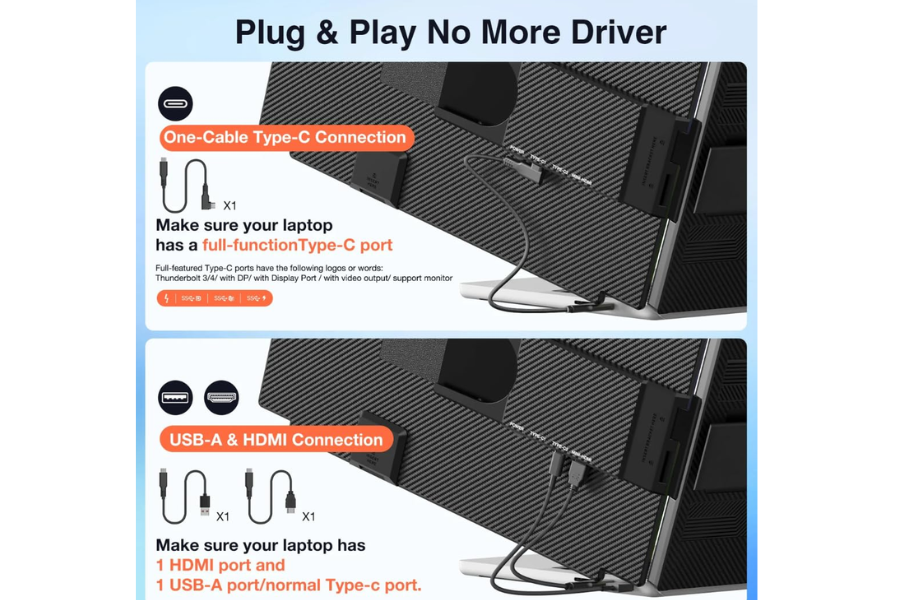
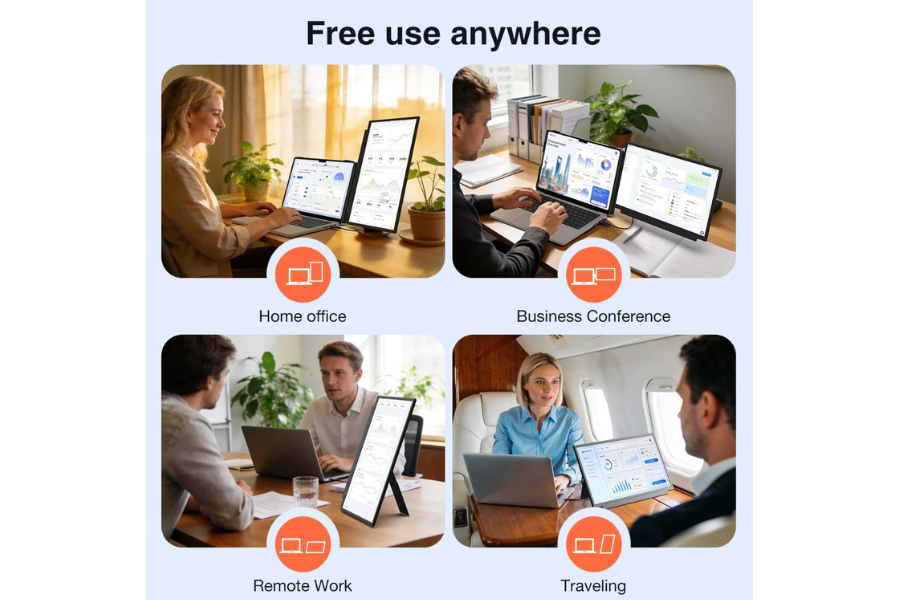
Xavion DuoView 15.6 Foldable Portable Monitor
₹12,999
Screen Size
15.6"
Resolution
1920 × 1080 (FHD)
Aspect Ratio
16:9
Weight
0.68 kg
Features
FHD IPS Display, Foldable Design, Extend & Duplicate Modes, Anti-Glare Screen
Connectivity
USB-C, HDMI
Compare Models & Pick Your Ideal Portable Monitor
What is your warranty policy?
We provide a reliable manufacturer warranty covering defects in materials or workmanship. Warranty duration varies by product, and claims can be made by contacting our support team with proof of purchase.
Which countries do you ship to?
We ship across India and selected international locations. Availability may vary by region, and customers can check eligible destinations at checkout. International orders may include additional duties or customs fees.
How can I track my order?
Once your order is dispatched, you’ll receive a tracking link via email or SMS. You can monitor real-time shipping updates directly through our courier partner’s tracking portal.
Are they compatible with my laptop? Is a driver required?
All Xavion products list detailed compatibility specifications. Most devices are plug-and-play; however, certain models may require driver installation, which can be downloaded from our support page if needed.
How does the 7-day return policy work?
You may request a return within 7 days of delivery if the item is unused, in original condition, and includes all accessories. Our support team will guide you through the return process.
What are the differences between your different models?
Each model varies in features, performance, design, and intended usage. Product pages include detailed comparisons to help customers choose based on speed, connectivity, compatibility, and functional requirements.
How do I get my product repaired within warranty?
To request a warranty repair, contact our support team with your order details. After verification, we’ll arrange service or replacement depending on the issue and product eligibility.
How much does shipping cost and how long will it take?
Shipping costs depend on delivery location and selected courier service. Estimated delivery timelines appear at checkout, and orders typically arrive within the standard timeframe provided by our logistics partners.
Supercharge Your Productivity Today
Upgrade your workspace with the Xavion Laptop Screen Extender. Enjoy fast shipping and secure checkout buy directly from us or get it fast with Amazon.